For Individual Drivers

U-ETDS and Transfer Opportunities for Drivers

Register passengers to U-ETDS from your phone — manually or with AI passport reading — and find new transfer jobs with Hızlı Araç.

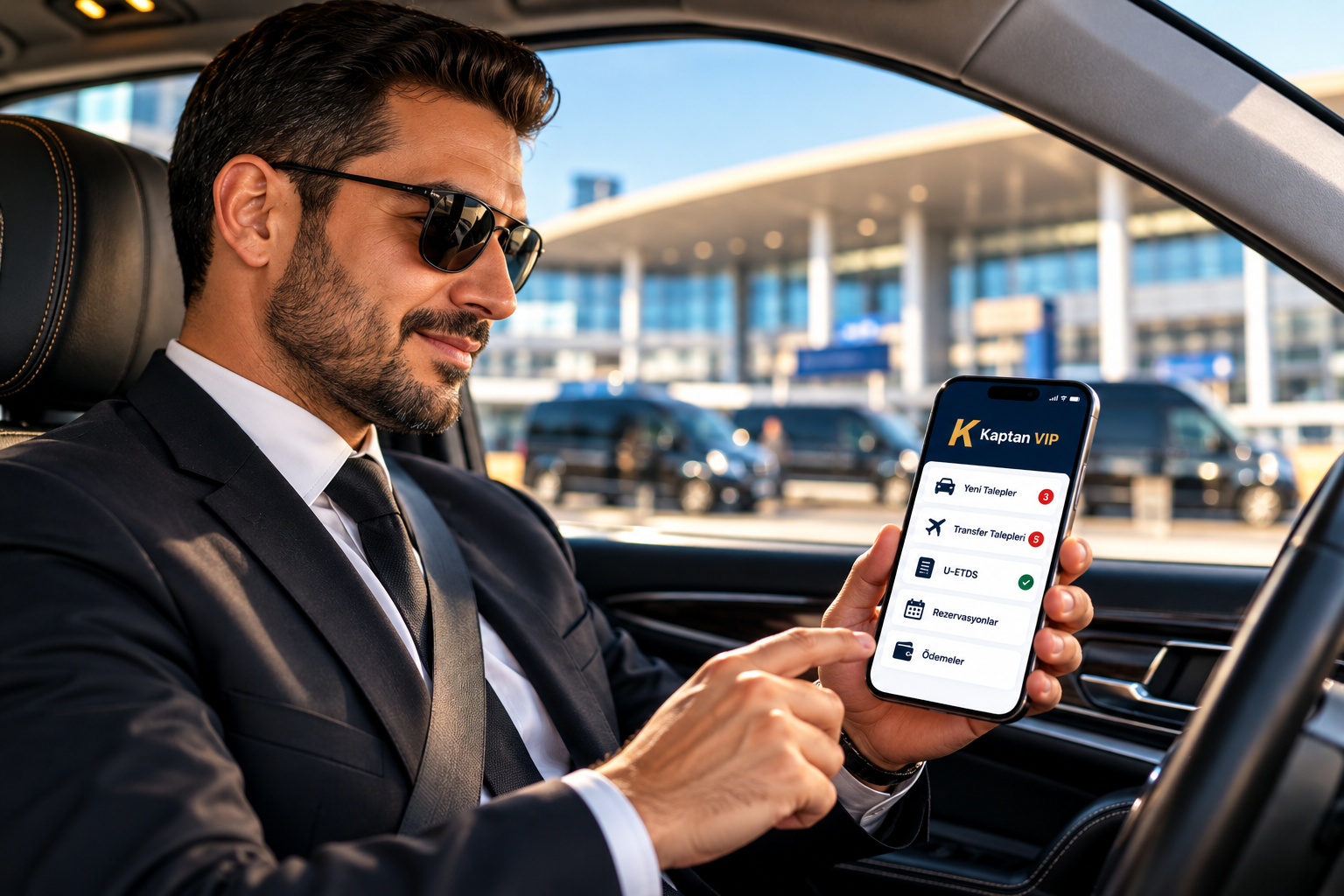
Professional driver using the Kaptan VIP mobile app in his vehicle at the airport
U-ETDS Registration

Two Ways to Register Your Passengers

Choose the method that suits you — type the information yourself or let AI read it from a passport photo.

Manual

Manual U-ETDS Registration

Enter passenger and trip information yourself in the Kaptan VIP mobile app.

  1. Open U-ETDS in the mobile app
  2. Enter the trip details
  3. Add passenger information
  4. Review and complete the registration
Video coming soon
AI helps you fill in passenger information faster; it does not complete the official registration on its own. Please review the information before submitting.

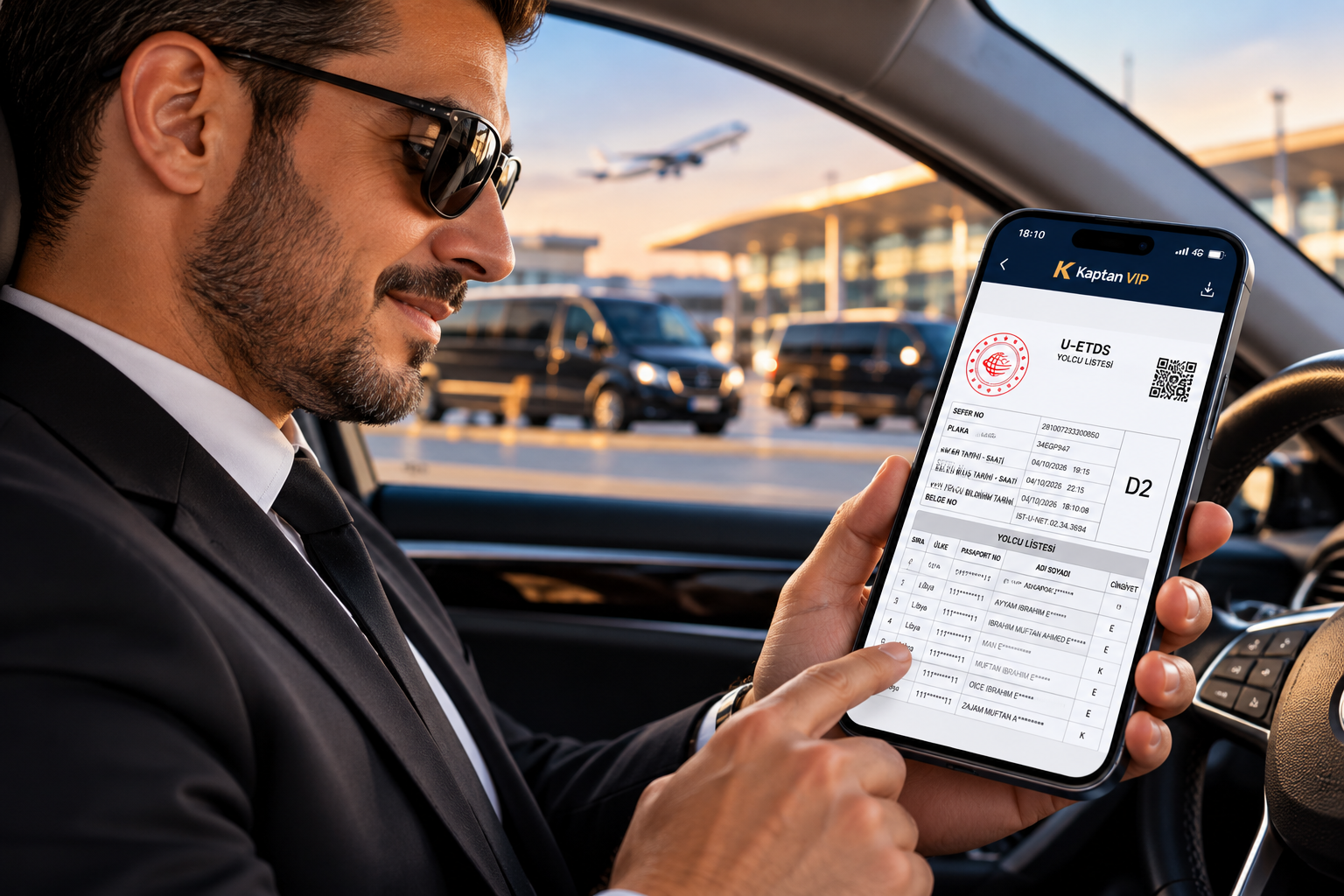
U-ETDS passenger list PDF displayed in the Kaptan VIP mobile app
PDF Document

U-ETDS PDF Generation

Once your passengers are registered, get the passenger list as a ready PDF document.

  • Create the U-ETDS passenger list as a PDF document
  • Trip and passenger details together in one document
  • Keep the document ready on your phone
Hızlı Araç

Open Transfer Marketplace

Hotels post transfer requests, you respond with your own offer.

  1. View Hotel Requests

    See transfer requests created by hotels.

  2. Submit Your Offer

    Send an offer with your own proposed price.

  3. Review Offers & Requests

    Follow available offers and hotel requests in one place.

  4. Find More Work

    Discover additional transfer business opportunities.

Tutorial Videos

Learn Step by Step

Short guides for U-ETDS registration, passport scanning, PDF generation and Hızlı Araç.

Video coming soon

Manual U-ETDS Registration

Entering trip and passenger information step by step.

Video coming soon

AI-Powered U-ETDS Registration

Registering passengers with help from AI.

Video coming soon

Scanning a Passport

Taking a clear passport photo or choosing one from the gallery.

Video coming soon

Generating the U-ETDS PDF

Creating the passenger list document on your phone.

Video coming soon

Using Hızlı Araç

Viewing hotel requests and submitting your offer.

Driver Testimonials

Hear from Drivers

Short videos from drivers who use Kaptan VIP in their daily work.

Video testimonials are coming soon

We will share stories from drivers using Kaptan VIP here. Would you like to share your experience?

Contact Us
FAQ

Frequently Asked Questions

What is U-ETDS registration?

U-ETDS is the official system where passenger and trip information for transfers is reported. Kaptan VIP helps you prepare and complete this information from your phone.

How does AI-powered passport reading work?

You take a passport photo or choose one from your gallery, and AI reads the passenger information from the image to fill in the form for you.

Does AI guarantee my registration is correct?

No. AI is a helper that reduces typing. Always check the extracted information before completing the registration.

Can I register several passengers at once?

Yes, you can add multiple passports for the same trip.

How do I get the U-ETDS PDF?

After registration, the app prepares the passenger list as a PDF document that you can keep on your phone.

How does Hızlı Araç work for drivers?

Hotels create transfer requests, and you can view them and submit an offer with your own proposed price.
Ready to Get Started?

Work Smarter as a Driver with Kaptan VIP

Get in touch to start using U-ETDS registration and Hızlı Araç.

TOP